
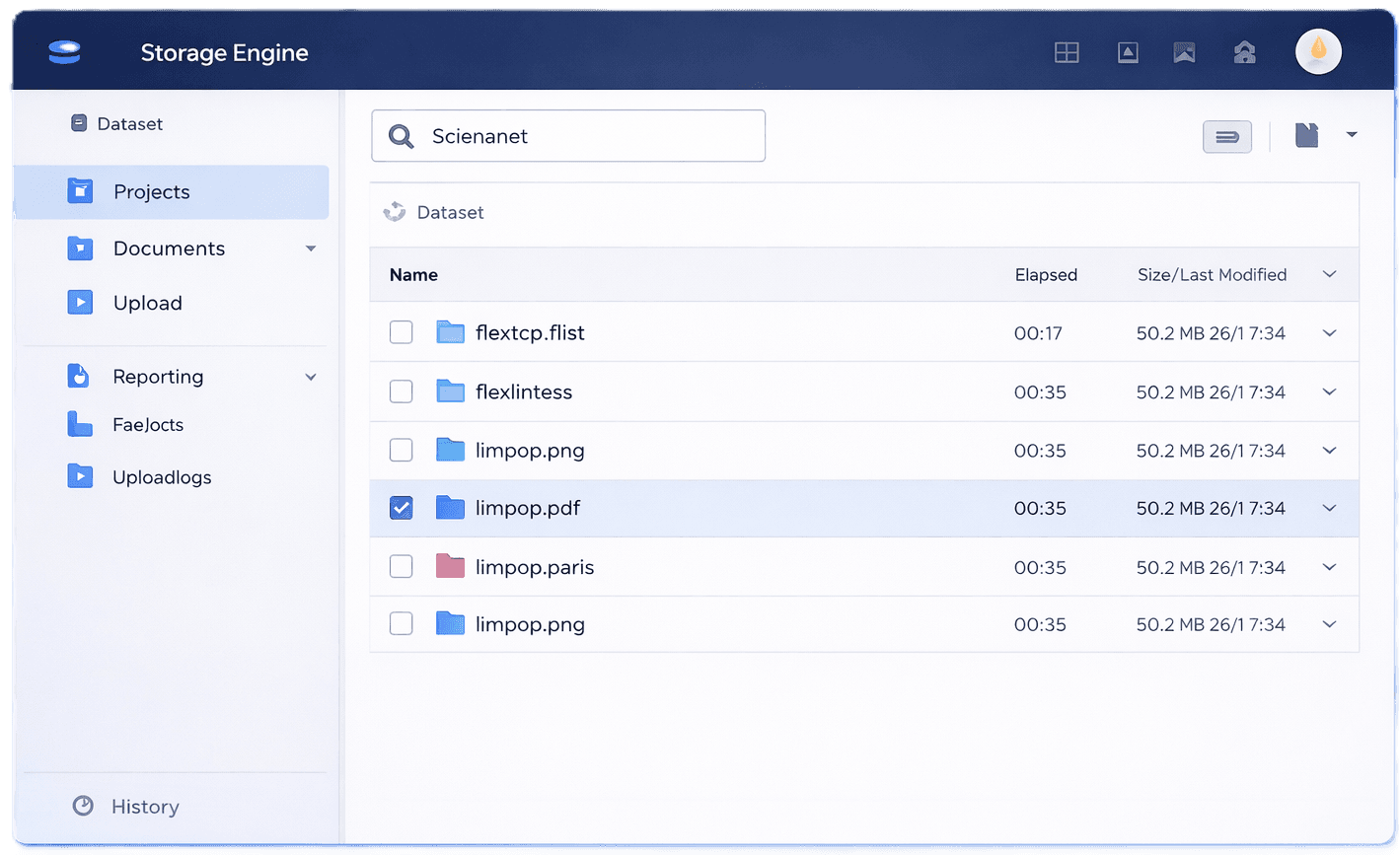
File Storage Should Be Simple
Manage your files effortlessly with our powerful features.
File Management
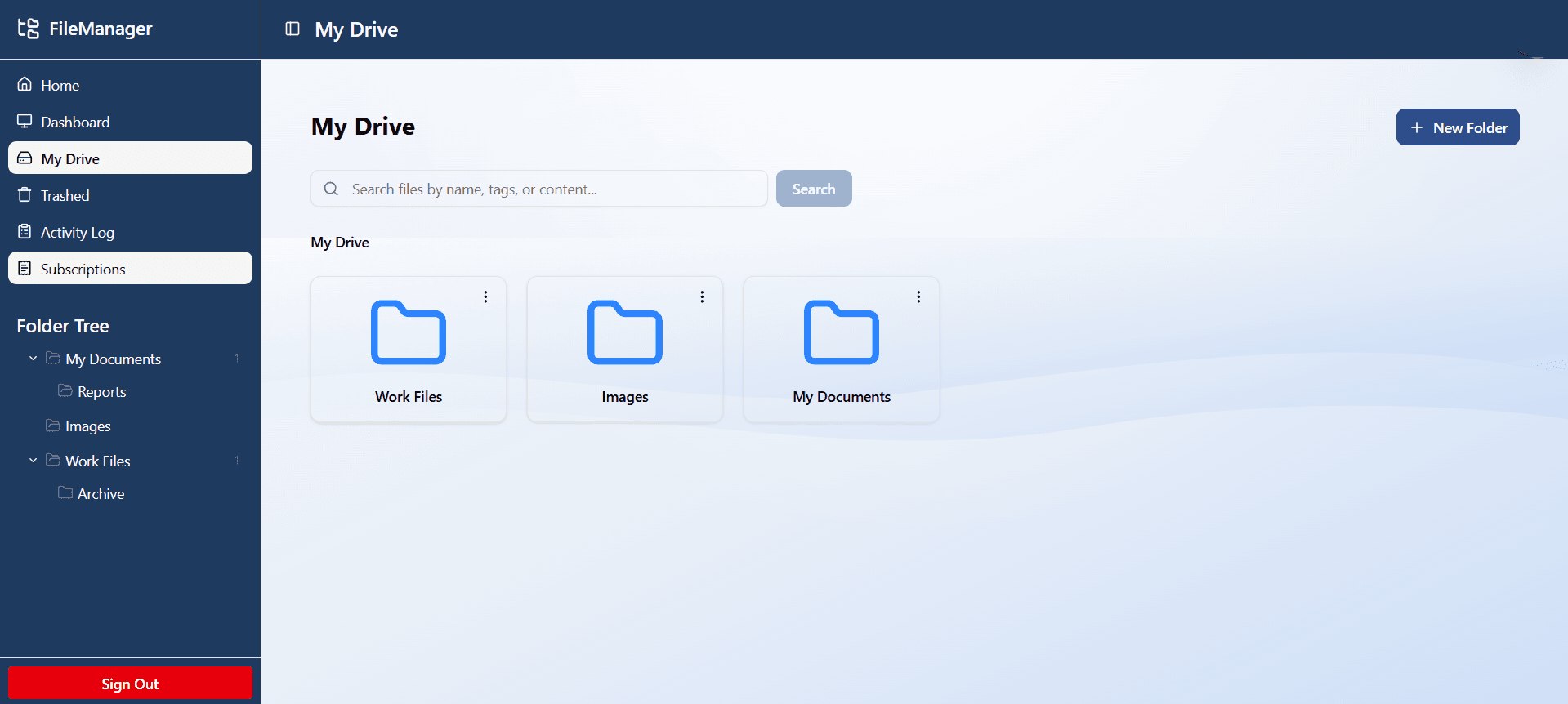
Easily upload, organize, and manage all your files in one centralized location with intuitive drag-and-drop functionality.
Folder Structure
Create custom folder hierarchies to keep your documents perfectly organized and easily accessible whenever you need them.
Secure Storage
Enterprise-grade encryption ensures your files remain private and protected from unauthorized access at all times.
Cloud Access
Access your files from anywhere, on any device, with seamless cloud synchronization and real-time updates.
Trash & restore
Soft delete with full trash management. Restore individual items or permanently delete.
Storage analytics
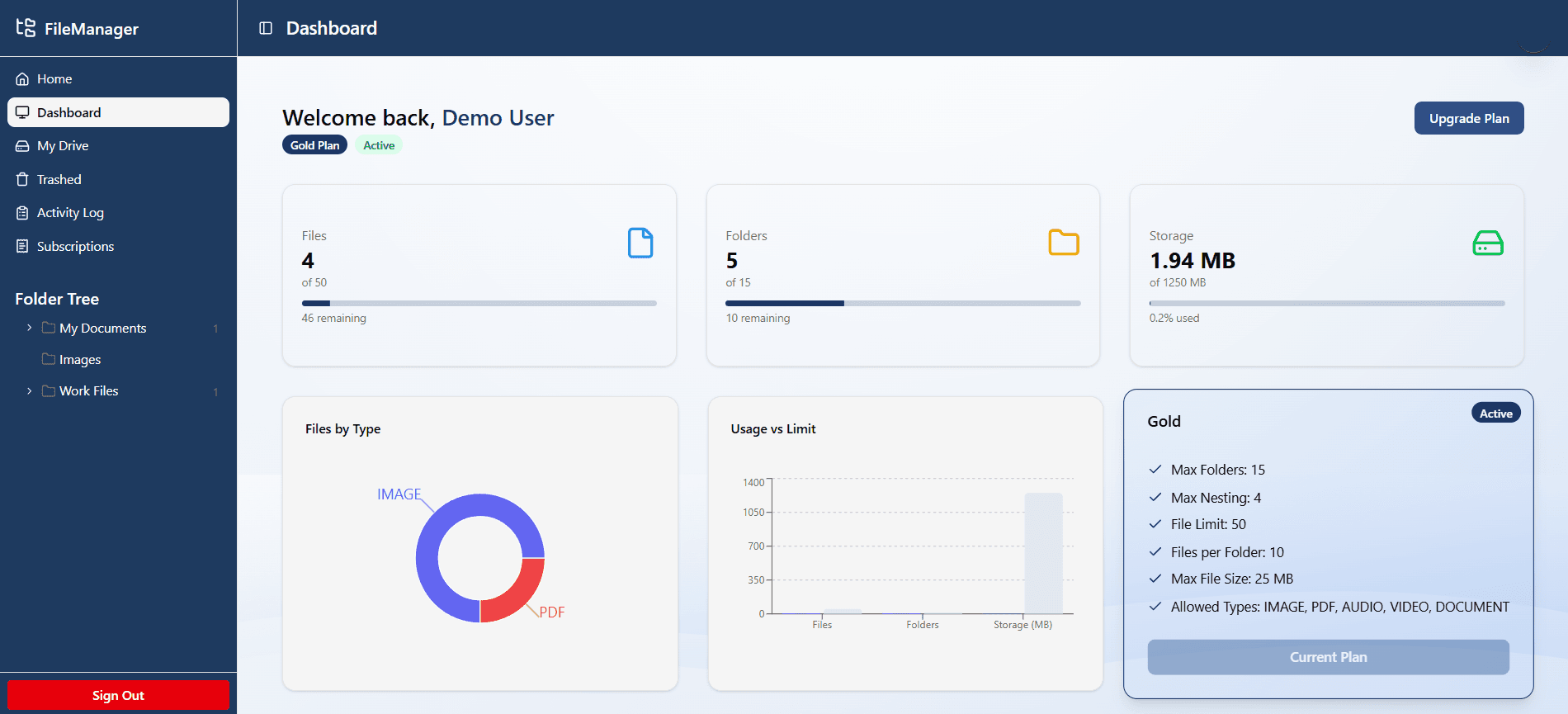
Visual charts showing storage consumed, file count, folder count, and plan limits, so users always know where they stand.
JWT authentication
Access + refresh token strategy. Email verification on registration. Forgot password with time-limited reset links.
Neon serverless DB
PostgreSQL on Neon with the Prisma serverless adapter for efficient connection handling.
How It Works
Get started with your file management in three simple steps
Create an Account
Sign up in seconds with your email or Google account. No credit card required to get started.
Upload & Organize
Upload your files and create folders. Drag and drop to organize your content exactly how you want it.
Access Anywhere
Manage your files from any device. Your content syncs automatically across all your devices.
Intuitive & Powerful File Management
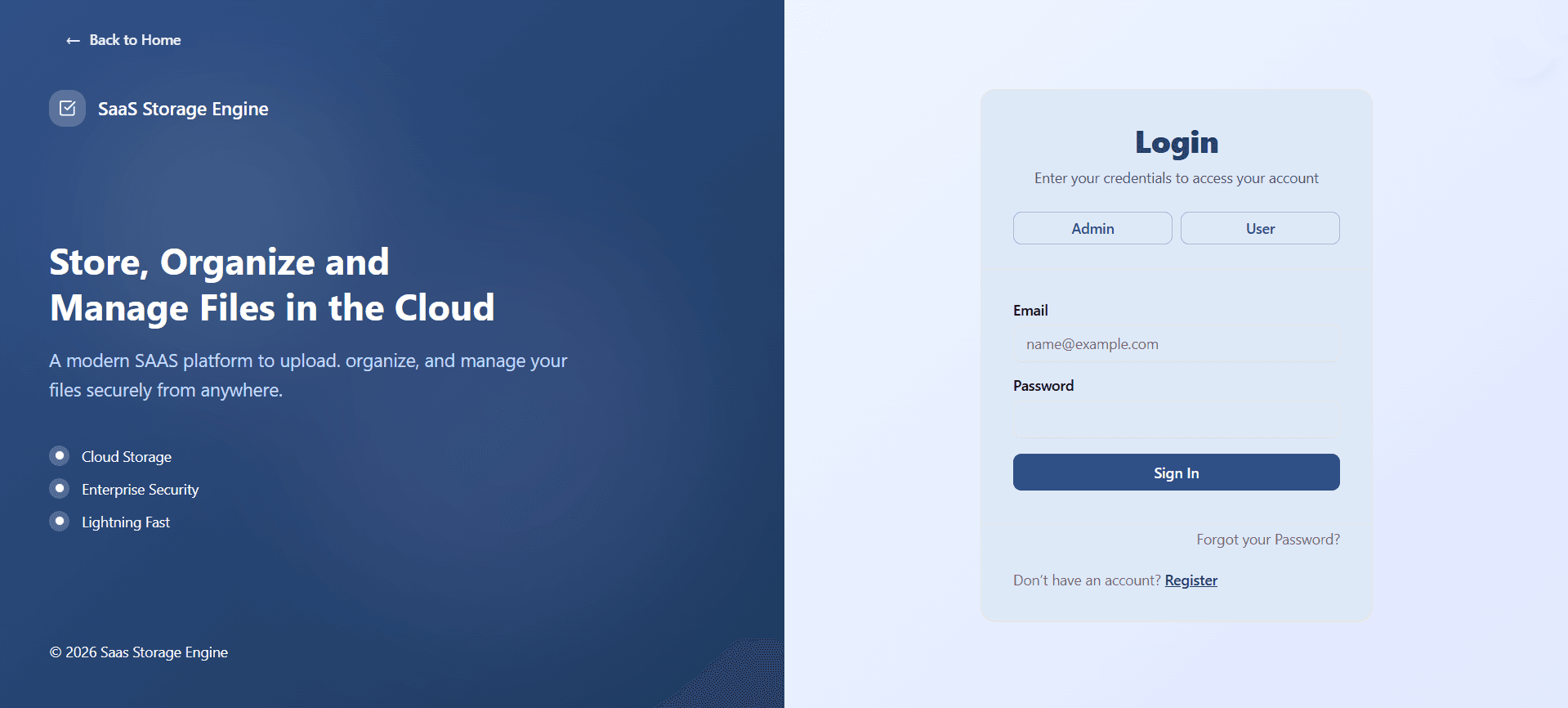
See the SaaS Storage Engine in action.
Enforcement Engine
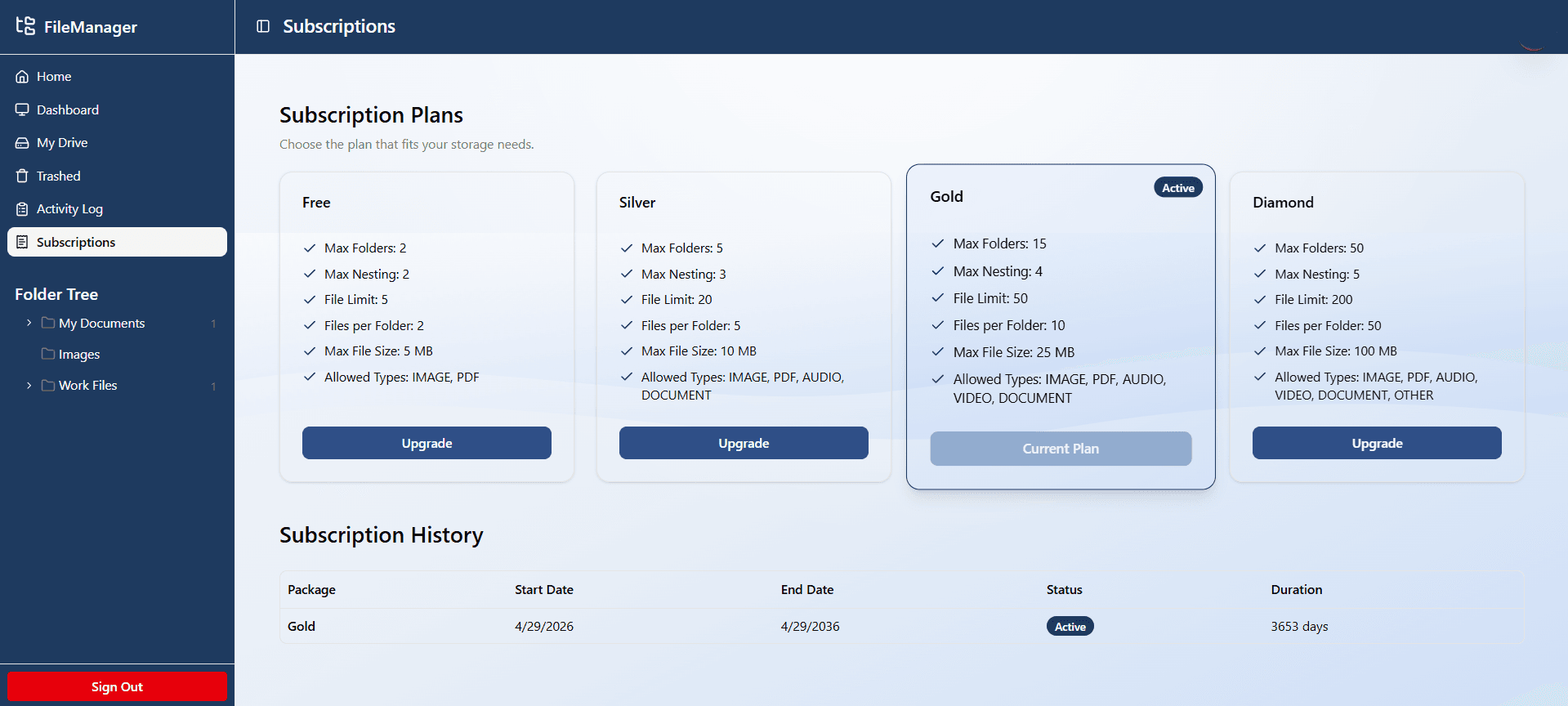
Six constraints, enforced on every request, not just at upload time.
Max folders
Hard ceiling on total folder count for the account. Create request is rejected if at limit.
Max nesting level
Folder move and create operations validate the full subtree depth, not just the immediate parent.
Allowed file types
Per-plan whitelist: image, video, PDF, audio. Upload is rejected at the controller level before Cloudinary.
Max file size
Per-file byte ceiling. Validated before any storage write occurs.
Files per folder
Directory-level quota prevents over-population of a single folder regardless of total file count.
Total storage limit
Account-wide file count ceiling. Checked in aggregate before each upload.
// Enforcement middleware — runs on every resource action
const plan = await getActivePlan(userId);

// 1. Check folder depth
if (depth > plan.maxNestingLevel) {
  throw PlanLimitError('Nesting limit reached');
}

// 2. Validate file type whitelist
if (!plan.allowedTypes.includes(mimeCategory)) {
  throw PlanLimitError('File type not allowed');
}

// 3. Check per-folder quota
const folderCount = await getFilesInFolder(folderId);
if (folderCount >= plan.filesPerFolder) {
  throw PlanLimitError('Folder quota reached');
}

// All checks passed → proceed
await uploadToCloudinary(file);
Perfect for All Your Storage Needs
Ideal for developers, teams, and individuals.

For Developers
Store project files.

For Teams
Collaborate on shared assets.

For Individuals
Personal cloud storage.

For Business
Massive storage for Business.
Developer Friendly
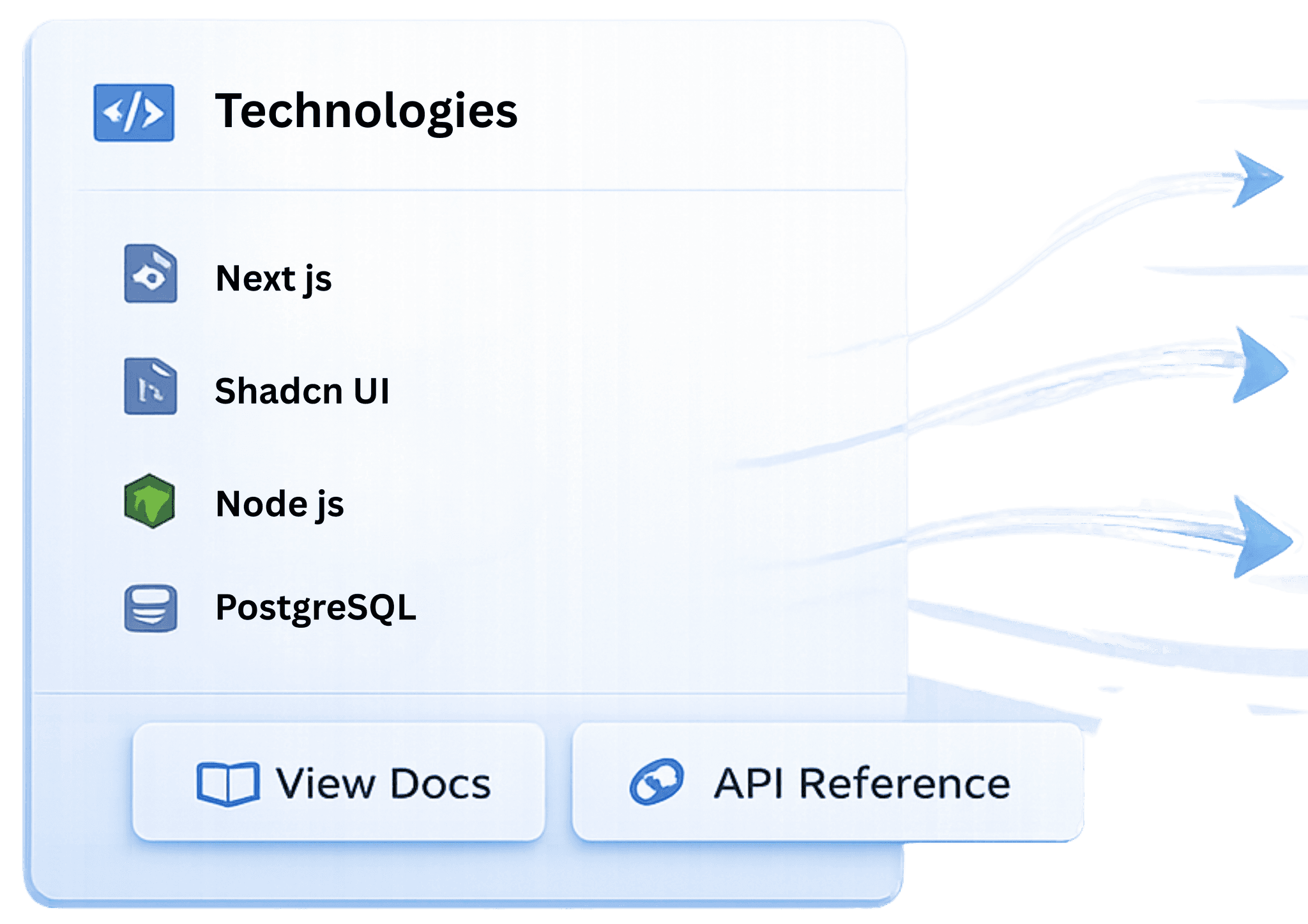
Built with a modern stack for easy integration.










Start Storing Your Files Today
Try the live demo or check out the source code.
Cloud Storage
Secure, scalable storage with automatic backup and sync across all your devices.
Enterprise Security
End-to-end encryption and advanced security features to keep your data safe.
Lightning Fast
Optimized performance with instant uploads and downloads, even for large files.

See the enforcement in action
Try uploading files beyond your plan's limit, or moving folders into cyclic positions. The API rejects it every time.